Magic Login works alongside popular WordPress 2FA plugins, allowing you to combine passwordless login with an extra layer of security.
Supported Plugins #
Magic Login is compatible with:
- Two-Factor (recommended)
- WP 2FA
How It Works #
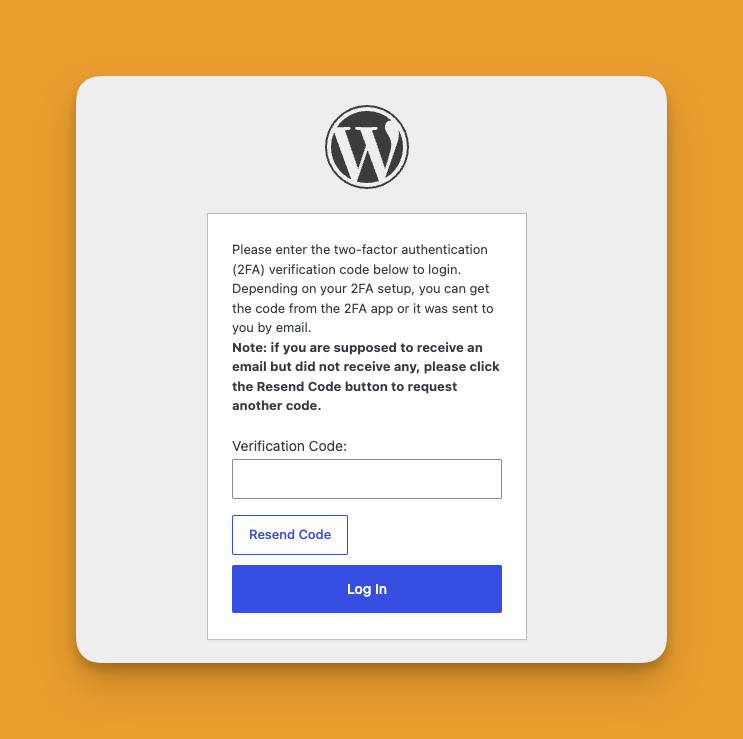
Magic Login handles the passwordless login link.
The 2FA plugin adds a verification step after login (e.g. authenticator app or email code). (Depending on the plugin and configuration, users may be asked to complete 2FA immediately after clicking the magic link.)
Recommended Option #
- Two-Factor → lightweight, per-user setup (WordPress-native)
- WP 2FA → more advanced features (policies, setup wizard, enforcement)
Setup (Quick Steps) #
- Install and configure Magic Login
- Install either Two-Factor or WP 2FA
- Enable a 2FA method (Authenticator App or Email)
- Test login flow:
- Request magic link
- Open link
- Complete 2FA step
Best Practices #
- Enable backup codes to avoid lockouts
- Test with a non-admin account first
- Ensure email delivery works reliably
- Start with admins before rolling out to all users