SessionQuota Pro can give users visibility and control over their own active sessions from the frontend.
This helps reduce support requests and makes strict login policies easier to use in practice.
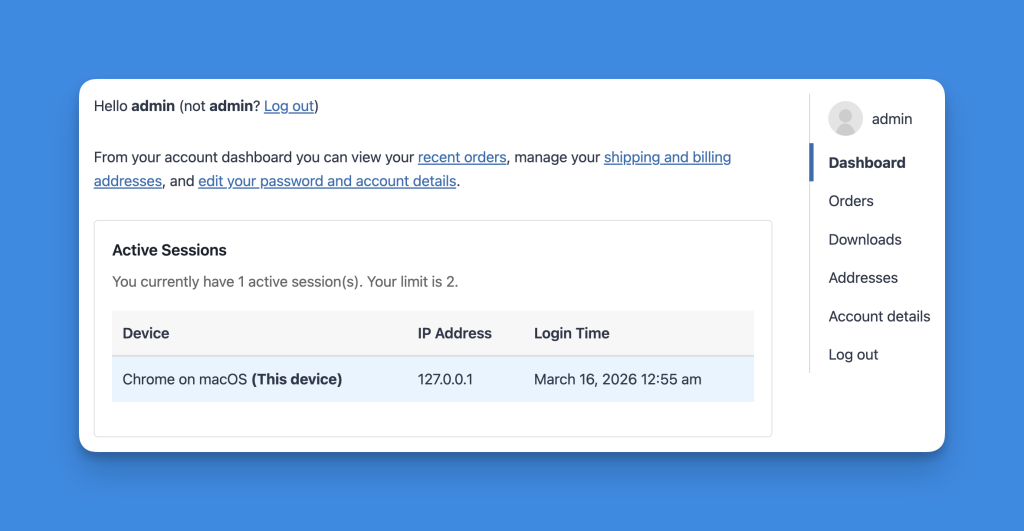
What users can do #
Depending on your setup, users can:
- See their active sessions
- Identify the current device
- Review device and browser information
- Review IP address information when available
- Log out from other devices
- Remove a specific session
Automatic dashboard placement #
If Enable automatic dashboard placement is enabled, SessionQuota Pro can automatically place session controls in supported account areas.
Supported integrations include:
- WooCommerce
- BuddyPress
- Ultimate Member
- MemberPress
- Paid Memberships Pro
Available shortcodes #
Use shortcodes if you want to place session controls on your own custom pages.
Logout other sessions button #
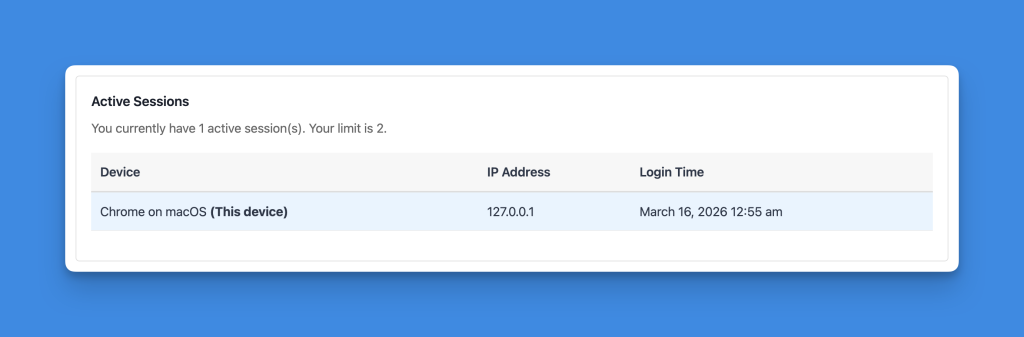
[sessionquota_logout_others]
Use this shortcode when you only want to display a button that logs the user out from other active devices.
Active sessions table #

[sessionquota_sessions]
Use this shortcode when you want to show a session list with device and login details.
Session info summary #
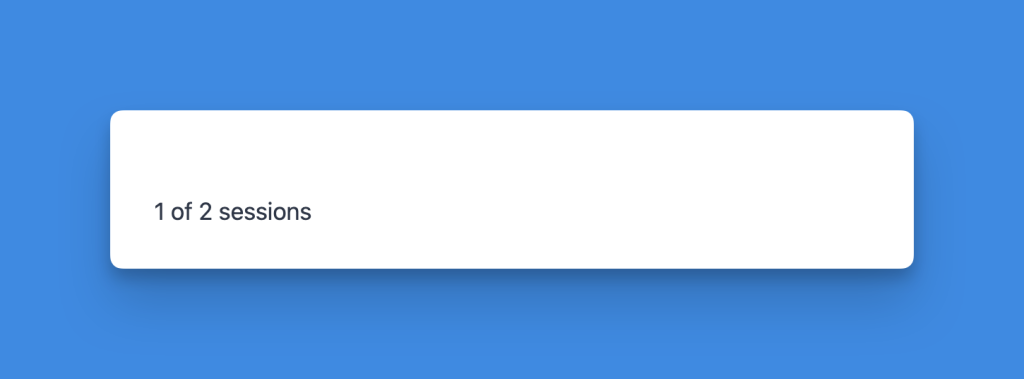
[sessionquota_session_info]
Use this shortcode when you want to show the user’s current session status or limit summary.
Common placement ideas #
- Account dashboard
- Membership dashboard
- Customer account page
- Security settings page
- “My Devices” page
Best practices #
- Place session controls in a page users can easily find
- Keep the wording clear, especially on membership or course platforms
- If you use
Block new login, consider enabling email recovery as a fallback - Test the layout on desktop and mobile account pages